

How Prompting Works
The chat is the core of Pixelfork. Every change you make to your game starts with a message. Here’s how to get the best results: Be descriptive on the first prompt Your first message sets the foundation of the game. Include the game type, visual style, setting, and any key mechanics you have in mind. The more context you give, the closer the first result will be to what you want.Instead of: “Make a platformer” Try: “Make a side-scrolling platformer with a forest setting, a small fox character, and floating platforms. The player should double-jump and collect acorns.”Iterate through conversation After your game is generated, keep refining it through follow-up messages. Each message updates the existing game — you don’t start from scratch every time.
“Make the player move faster” “Add an enemy that patrols back and forth” “Change the background to a night sky”Use reference images Tap the Add Image /button to attach a screenshot or visual. The AI reads it and uses it as a reference — great for matching a visual style, pointing out a bug in the UI, or showing an example of a mechanic you want.
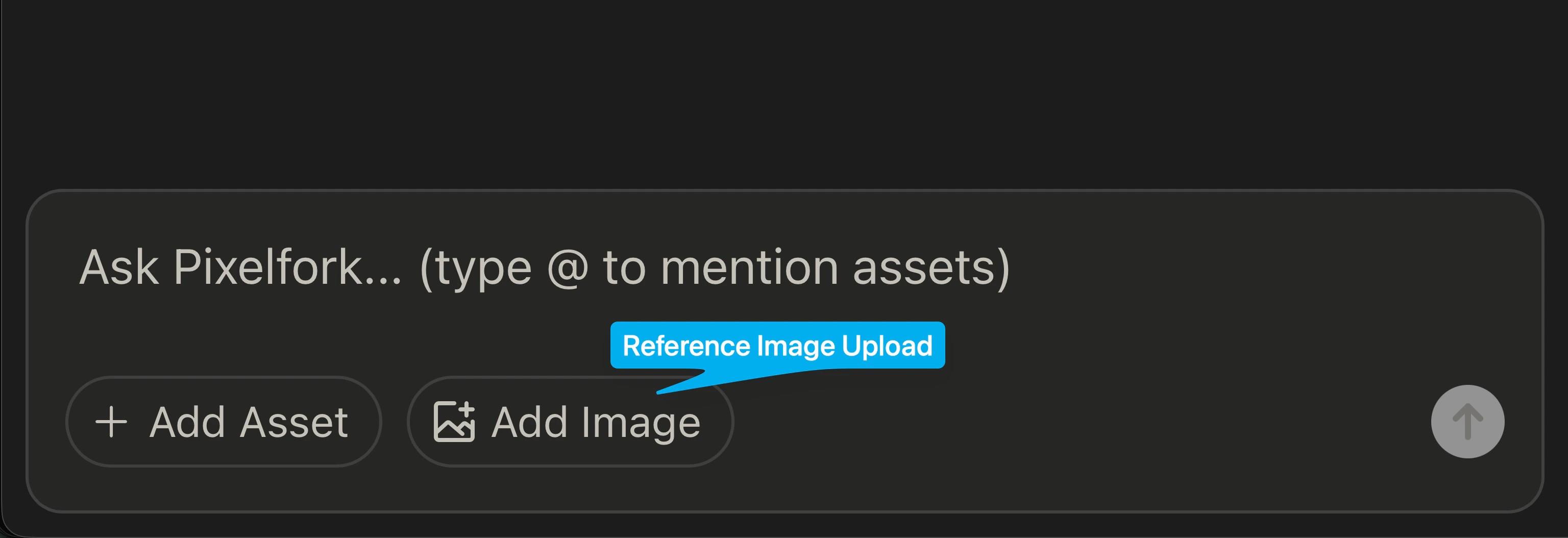
Mention assets with @ If you’ve uploaded images, audio, or 3D models to your Assets library, type @ in the prompt box to pull them up. Reference them by name so the AI knows to use them in the game.