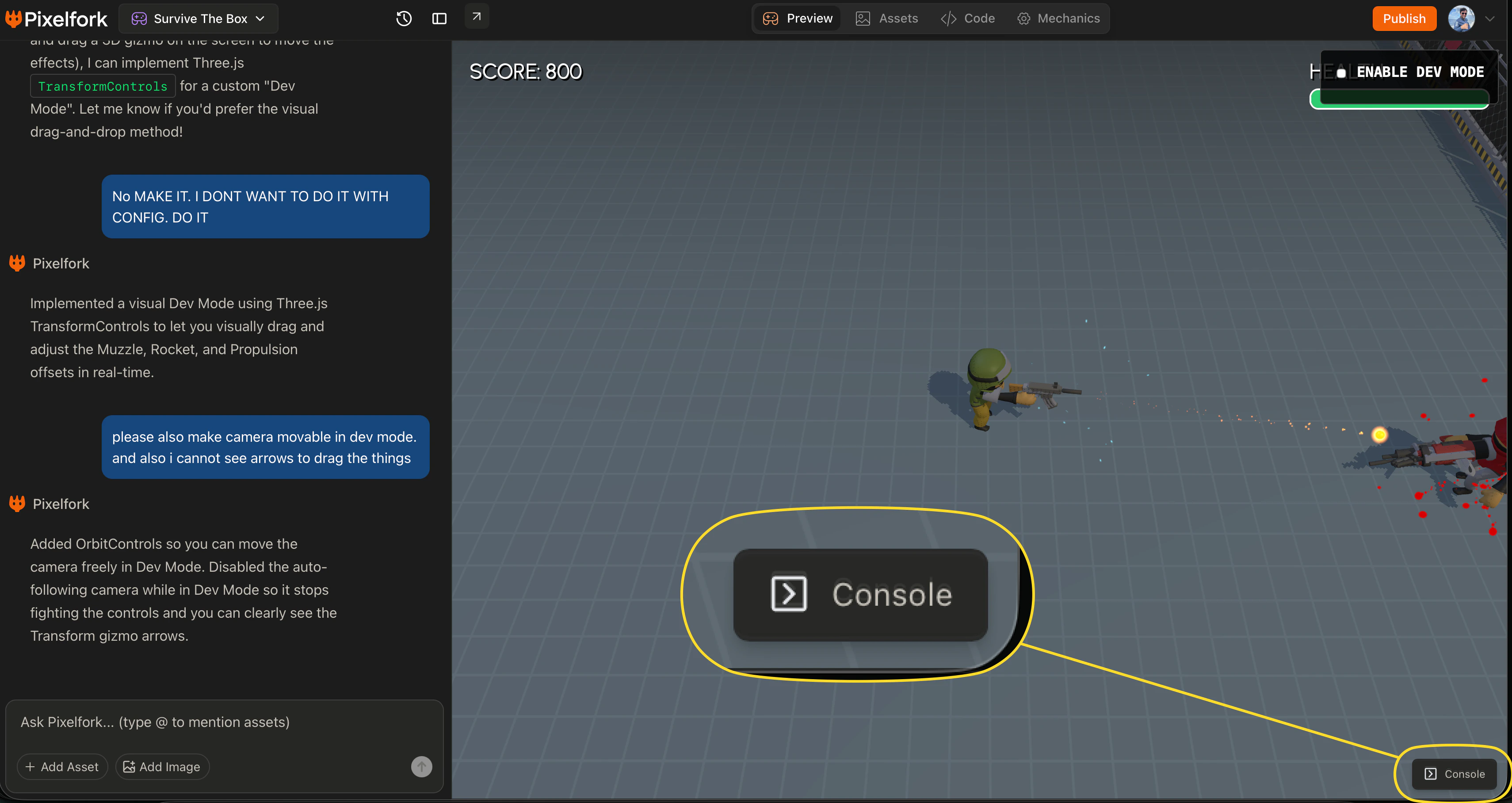
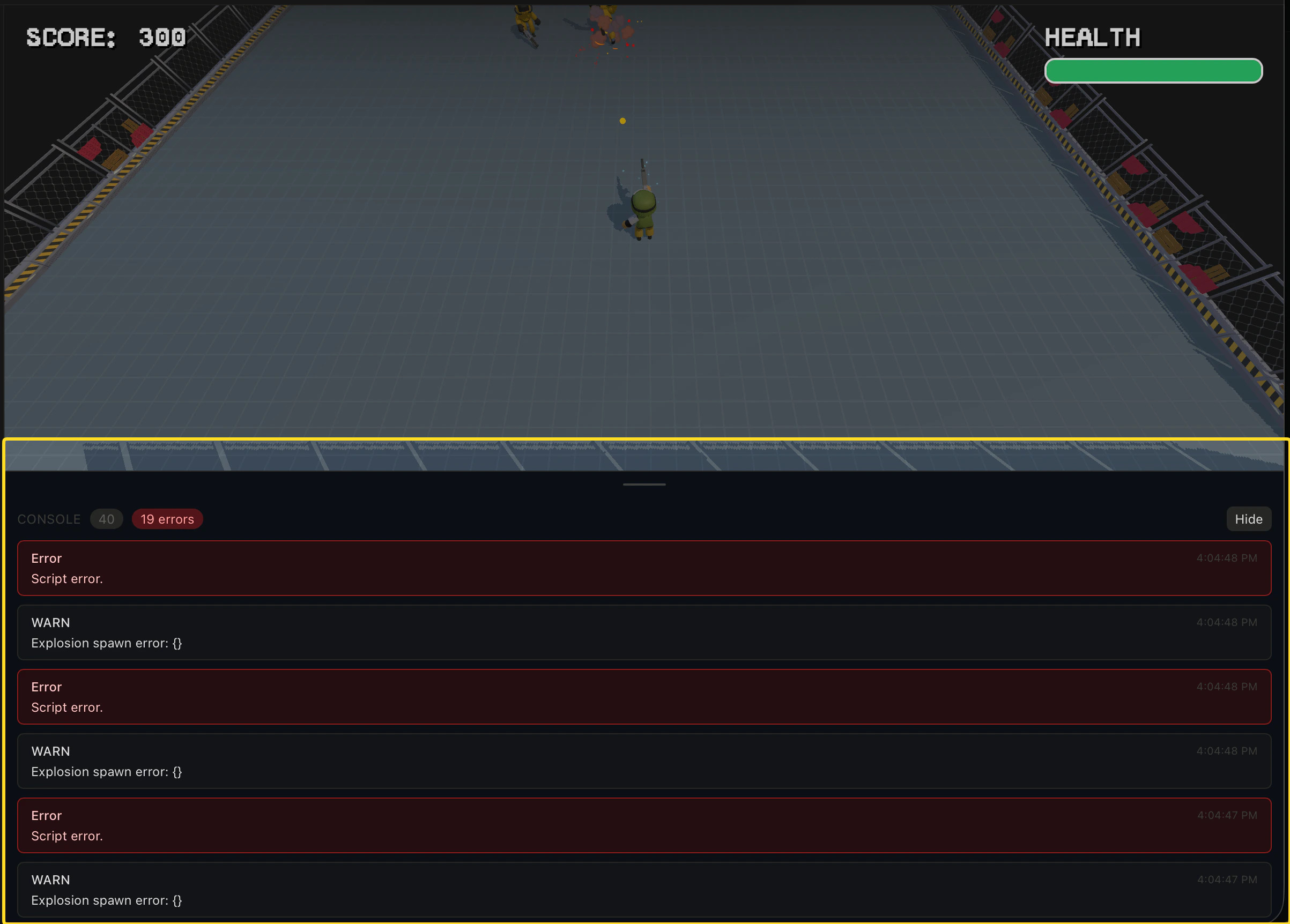
A Console button sits in the bottom-right corner of the editor. If something in your game isn’t working — a mechanic that breaks, a screen that won’t load, an asset that doesn’t appear — the Console is the first place to check. It automatically captures any errors that occur during gameplay and shows you exactly what went wrong and why. This makes it much faster to diagnose issues, whether you fix them yourself in the Code tab or paste the error into the chat and let the AI fix it for you.In many cases you won’t even need to do that — Pixelfork’s AI detects runtime errors automatically and fixes them on its own, without you having to prompt it. If it does, you’ll see the fix reflected in the chat thread and the game updates immediately.
\